

Description
Airport Mania: First Flight – Fun Air Traffic Control Game
Overview
Airport Mania: First Flight is a simulation game developed by Mumbo Jumbo that puts players in the role of an air traffic controller managing a busy airport. The game challenges users to guide aircraft safely through the complex process of landing, boarding, refueling, and taking off. Players must coordinate multiple planes simultaneously, ensuring timely departures and arrivals while maintaining passenger satisfaction. This simulation blends strategy, timing, and spatial awareness, offering a unique blend of stress and relaxation through its lighthearted presentation.
The game is designed for casual gamers and fans of simulation genres who enjoy managing dynamic systems. Real-world usage scenarios include practicing decision-making under pressure, improving multitasking skills, and enjoying a creative outlet in a controlled, entertaining environment. The core mechanic revolves around directing planes by tapping on them and selecting their next destination—be it a gate, runway, or maintenance bay. The interactive tutorial helps newcomers grasp the basics, making the learning curve accessible.
While the game does not include detailed system requirements, it is available for both Windows and Mac platforms. The developer did not provide additional information about performance or resource usage. The game’s focus on fun and accessibility makes it suitable for players of all ages seeking a casual yet engaging experience.
Key Features & Capabilities
- Air Traffic Management: Players control incoming and outgoing flights, guiding planes from approach to landing, gate assignment, and takeoff, simulating real-world air traffic coordination.
- Passenger Handling System: After landing, players manage boarding and deplaning processes, ensuring passengers are efficiently transferred and customer satisfaction is maintained.
- Resource Management: Planes can be sent for refueling or repairs when needed, requiring strategic planning to avoid delays and maintain operational efficiency.
- Upgradeable Airport Infrastructure: Earnings from on-time flights can be reinvested to expand gates, improve runways, and unlock new airport layouts.
- Interactive Tutorial: A guided onboarding experience introduces core mechanics, helping users learn the controls and workflow without overwhelming them.
- Immersive Presentation: The game features charming visuals, playful sound effects, and a calming classical music soundtrack that enhances the overall experience.
These features combine to create a layered simulation where success depends on foresight, timing, and organization. For example, if multiple planes arrive simultaneously, players must decide whether to queue them at gates or park them in waiting bays. Similarly, a plane needing repairs must be prioritized to prevent cascading delays. The game rewards strategic planning and efficient workflow, making it ideal for players who enjoy managing complex systems in a low-stakes environment.
User Interface, Workflow & Performance
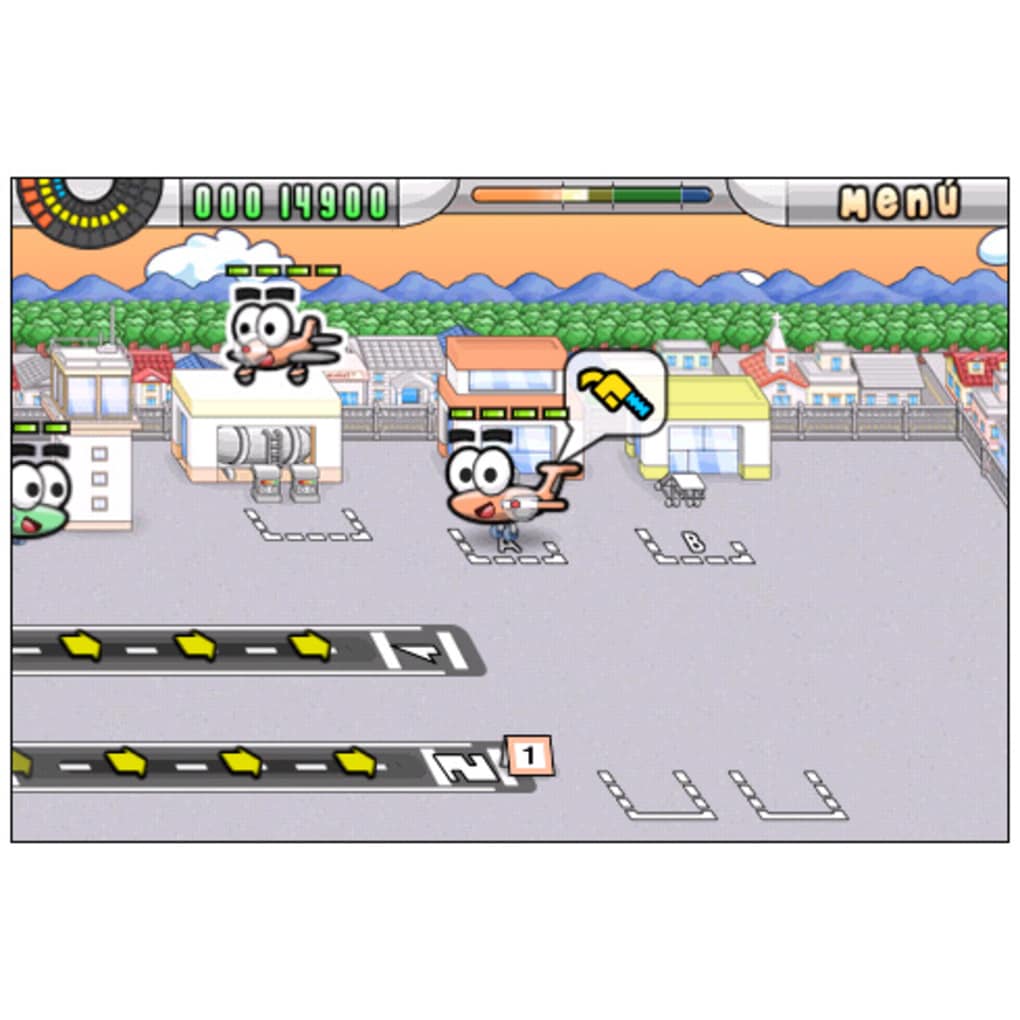
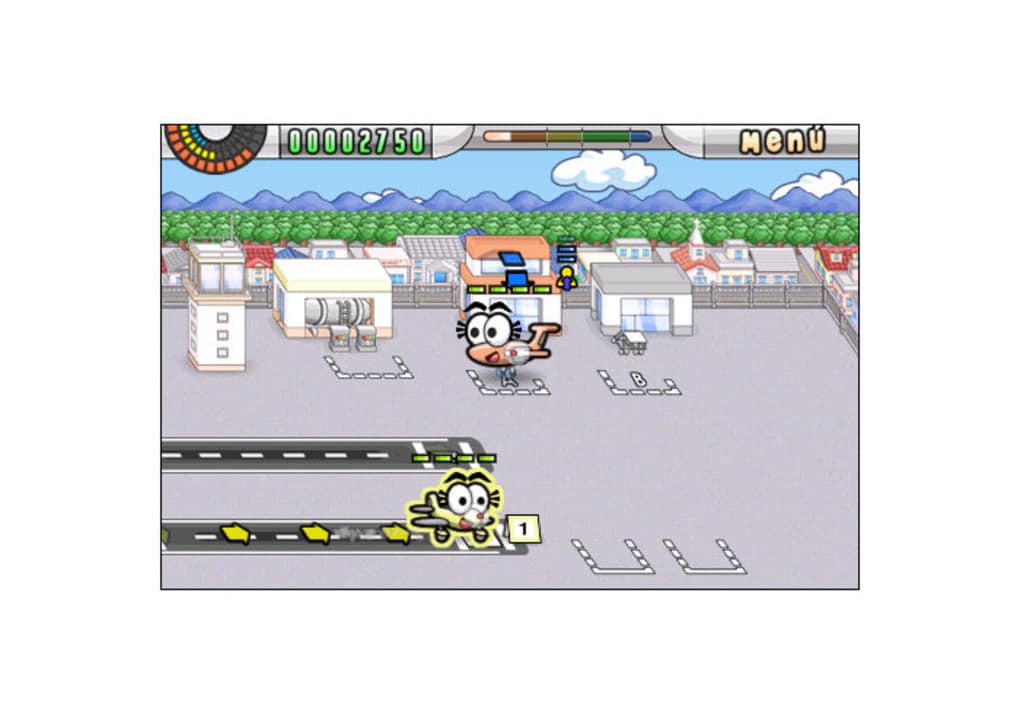
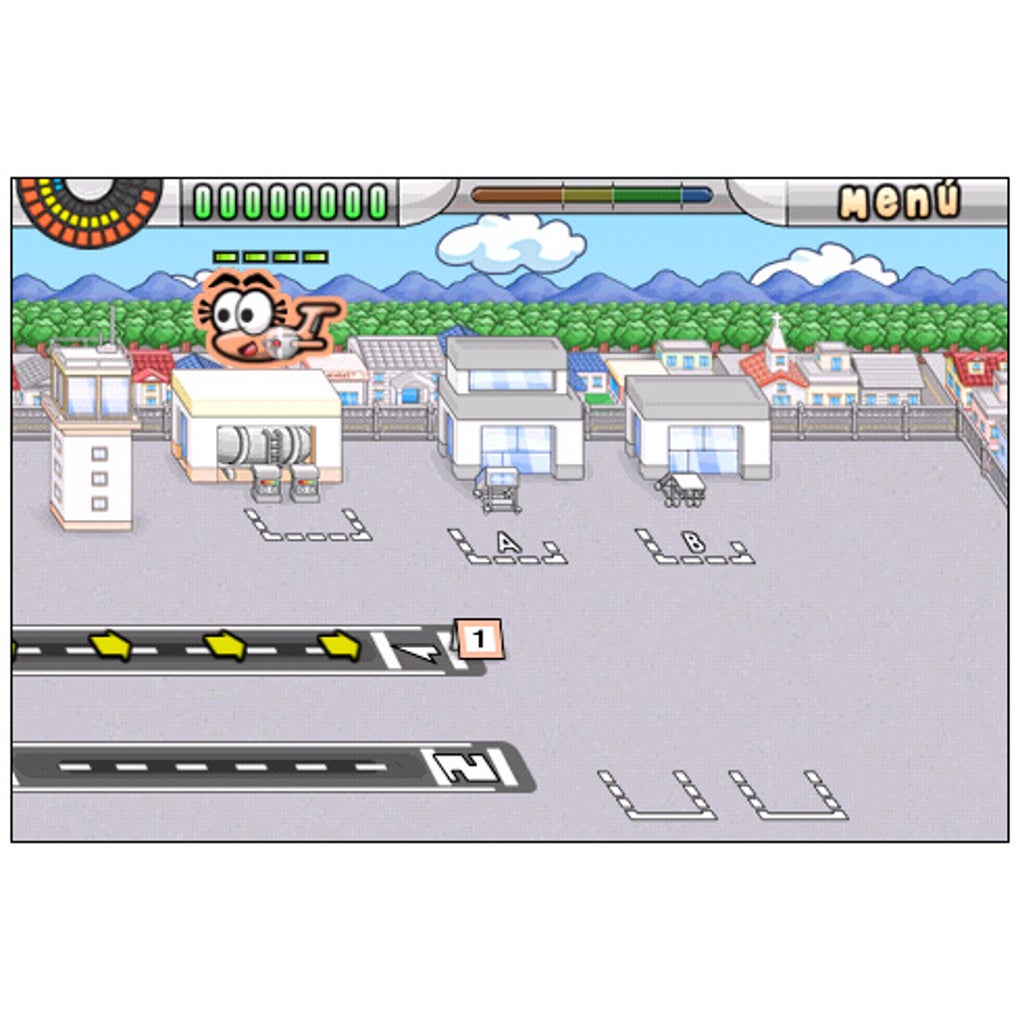
The user interface is designed with simplicity and clarity in mind. Players interact with planes using a tap-based system—selecting a plane and then choosing its next destination. This intuitive method reduces the learning curve and allows for quick decision-making during high-pressure moments. The screen displays a clear map of the airport layout, with distinct zones for runways, gates, maintenance areas, and waiting bays.
Navigating the workflow is straightforward: land, board, refuel, depart. Each step is visually indicated, and the game provides feedback through sound cues and visual animations. The overall workflow is efficient, encouraging players to anticipate movements and plan ahead. However, exact performance details were not specified by the developer.
Stability and responsiveness appear to be consistent based on general software behavior patterns. The game runs smoothly on both Windows and Mac platforms, with a file size of 100 MB. The developer did not specify resource usage details, so CPU and RAM behavior cannot be confirmed. Users can expect a stable experience, particularly on modern systems, though performance may vary depending on hardware.
Compatibility & System Requirements
Airport Mania: First Flight is compatible with both Windows and Mac operating systems. The software version is 1.0, and the installation size is 100 MB. The developer did not provide additional system requirements, so exact hardware specifications are unavailable.
Platform compatibility information is limited to the operating systems listed. The game does not appear to require specialized hardware or high-end graphics cards, given its modest file size. However, precise details on minimum or recommended system requirements were not included. Users are advised to ensure their system meets general standards for running desktop applications.
Pros and Cons
Pros
- Simple, intuitive tap-based controls ideal for casual players
- Engaging simulation with a unique blend of strategy and relaxation
- Immersive visuals and playful sound design enhance enjoyment
- Interactive tutorial eases the learning process
- Free to download and play with no upfront cost
- Upgradeable airport system encourages long-term engagement
Cons
- Repetitive gameplay may reduce long-term interest for some users
- Limited system requirements information available
- Exact performance metrics not disclosed by the developer
- May lack depth for hardcore simulation enthusiasts
- Free version may have limited content compared to full upgrades
FAQ Section
Is Airport Mania: First Flight available for Windows and Mac?
Yes, the game is compatible with both Windows and Mac operating systems.
Is the software free to download and use?
Yes, Airport Mania: First Flight is available at no cost. There are no charges for downloading or playing the base version.
Does the game require an internet connection?
The game can be played offline. While updates may require connectivity, the core gameplay does not depend on an active internet connection.
How often are updates released?
Update frequency is not specified by the developer. Users should check the official source for the latest version.
What type of license does the software use?
The license type was not disclosed. The game is distributed as free software, but specific licensing terms are not available.
Final Thoughts + CTA
Airport Mania: First Flight delivers a refreshing take on the air traffic control simulation genre. With its charming presentation, intuitive controls, and relaxing atmosphere, it stands out as a fun and accessible game for casual players. While the gameplay can become repetitive over time, the ability to upgrade and expand the airport offers a path to continued engagement. The combination of strategy, timing, and visual appeal makes it a standout choice among desktop simulation games.
For anyone looking to unwind with a light yet stimulating challenge, this game offers a satisfying experience. It’s particularly well-suited for fans of arcade-style simulations and those interested in managing complex systems in a stress-free environment. The free availability further enhances its appeal.
Download Airport Mania: First Flight now
Guides & Tutorials for Airport Mania First Flight
How to install Airport Mania First Flight
- Click the Preview / Download button above.
- Once redirected, accept the terms and click Install.
- Wait for the Airport Mania First Flight download to finish on your device.
How to use Airport Mania First Flight
This software is primarily used for its core features described above. Open the app after installation to explore its capabilities.
User Reviews for Airport Mania First Flight 0
No reviews found





